
Write, review, and publish technical content in Markdown.
AI drafts, you approve. Review, comment, and publish from one workspace, in the browser or fully local on desktop.









10300+
Users
6400+
Documents edited
99.9%
Sync reliability
One Markdown workspace from first draft to published guide.
Draft, review, illustrate, and publish without giving up portable Markdown.
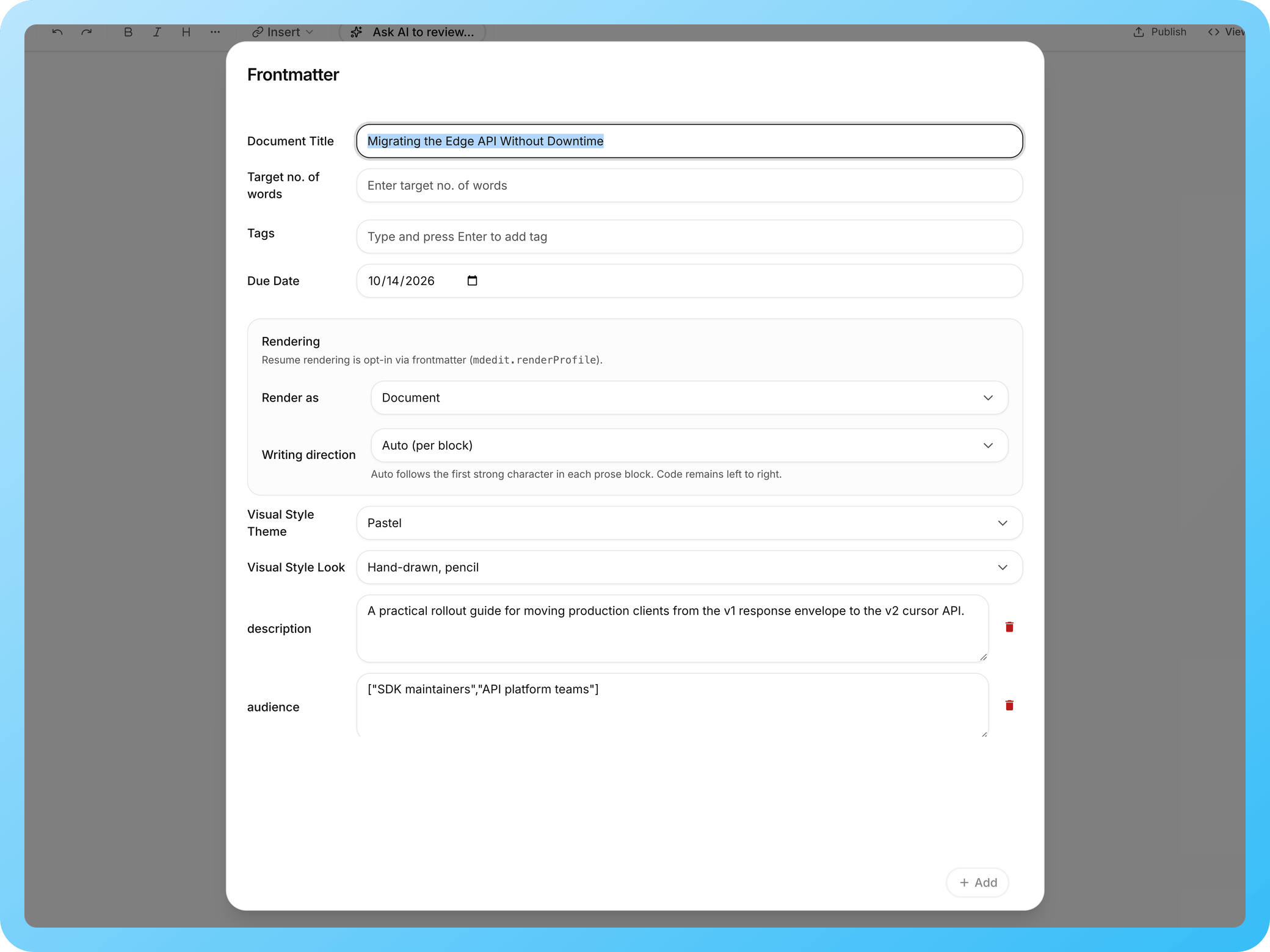
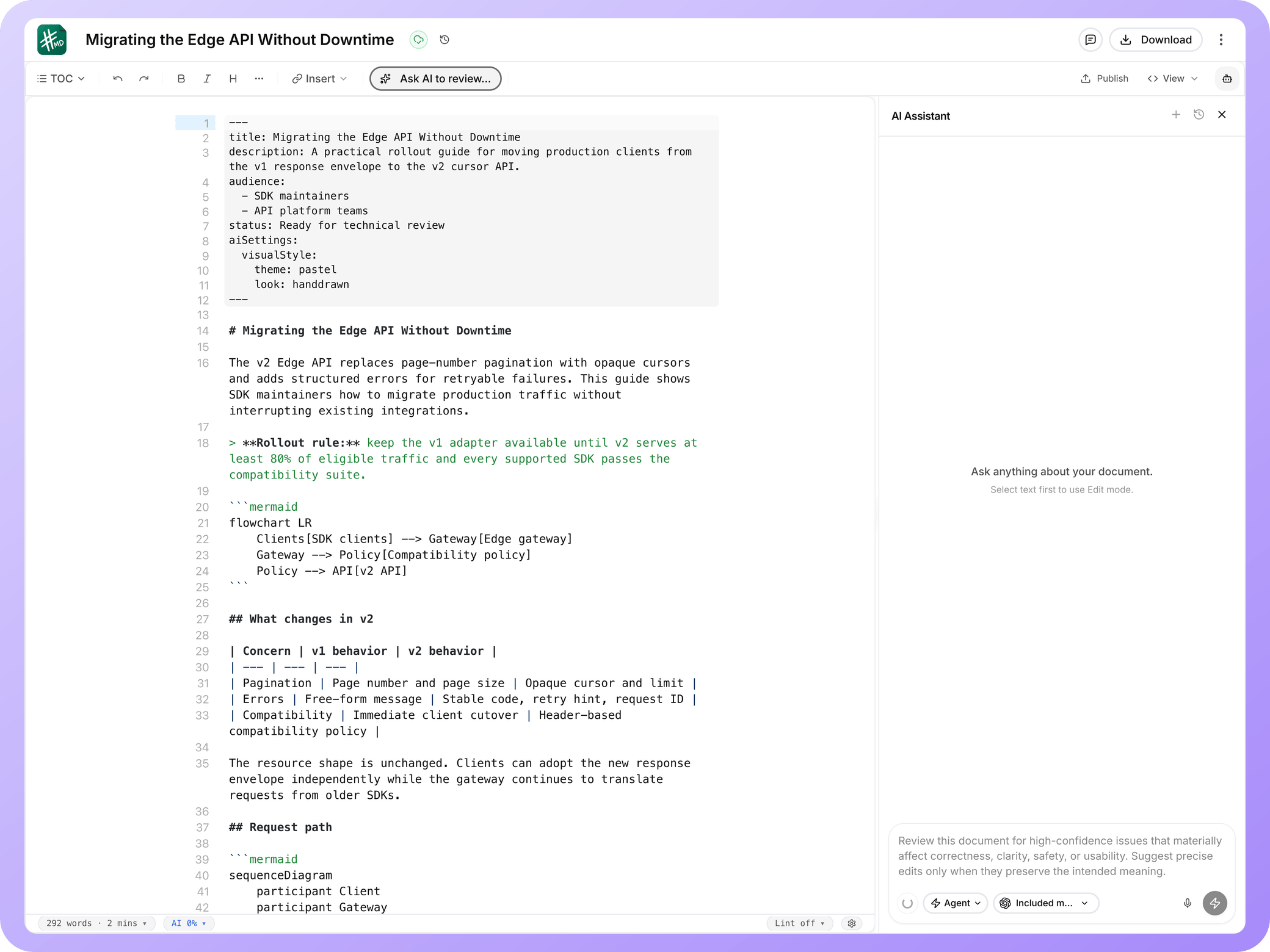
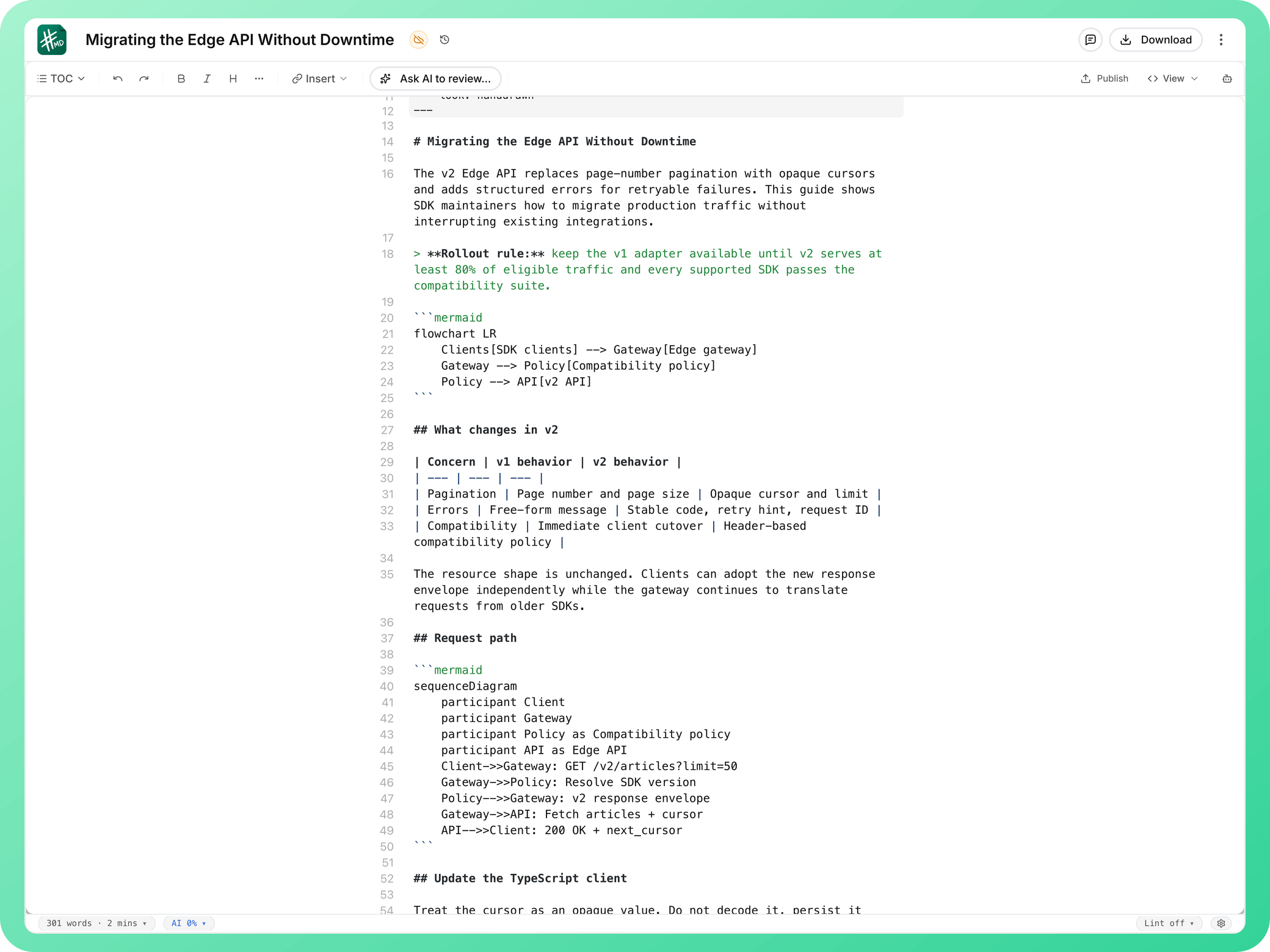
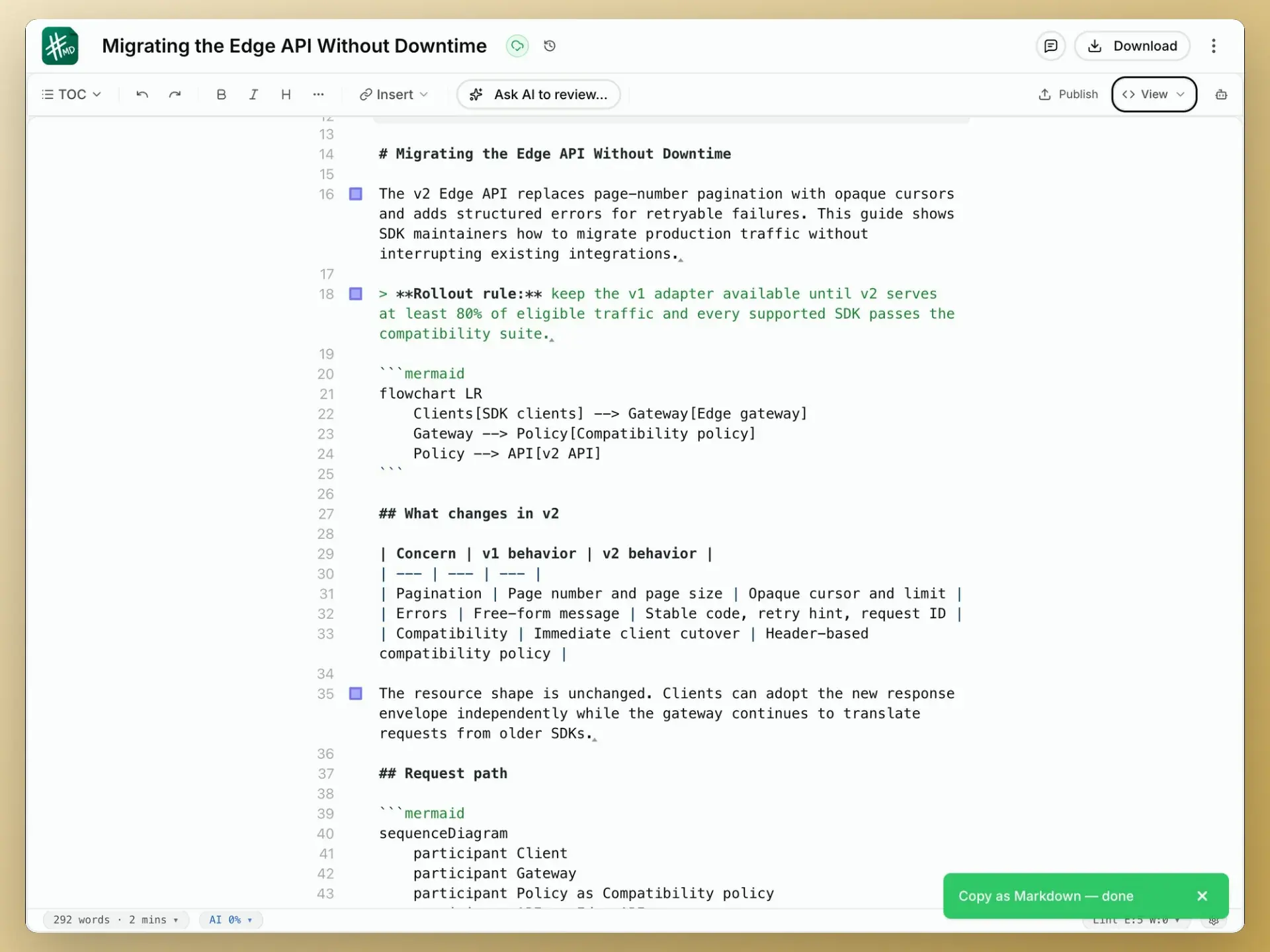
A Markdown editor built for long technical documents
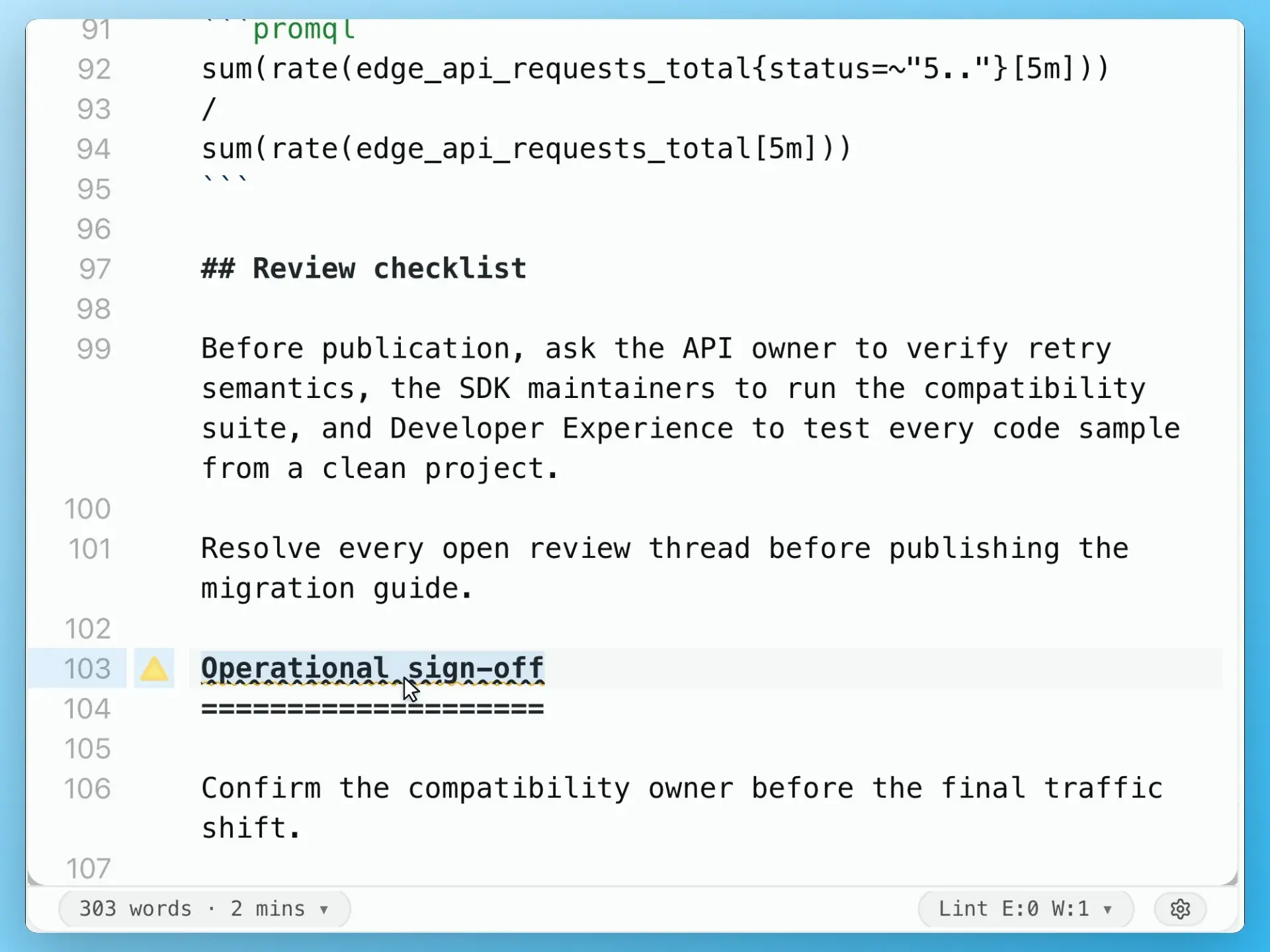
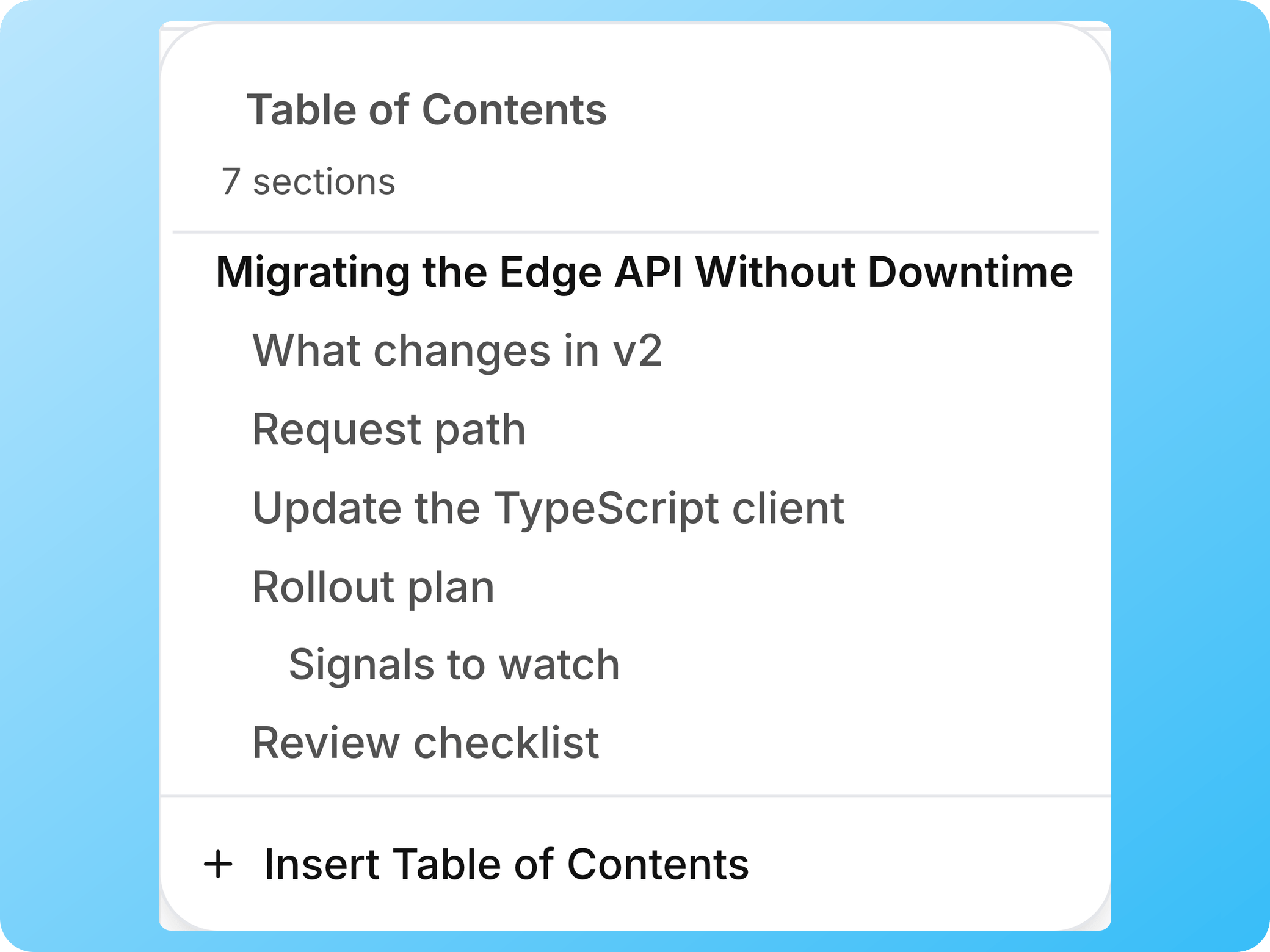
Keep structure visible while you write, preview the result, catch Markdown issues, and move documents in or out without losing ownership.
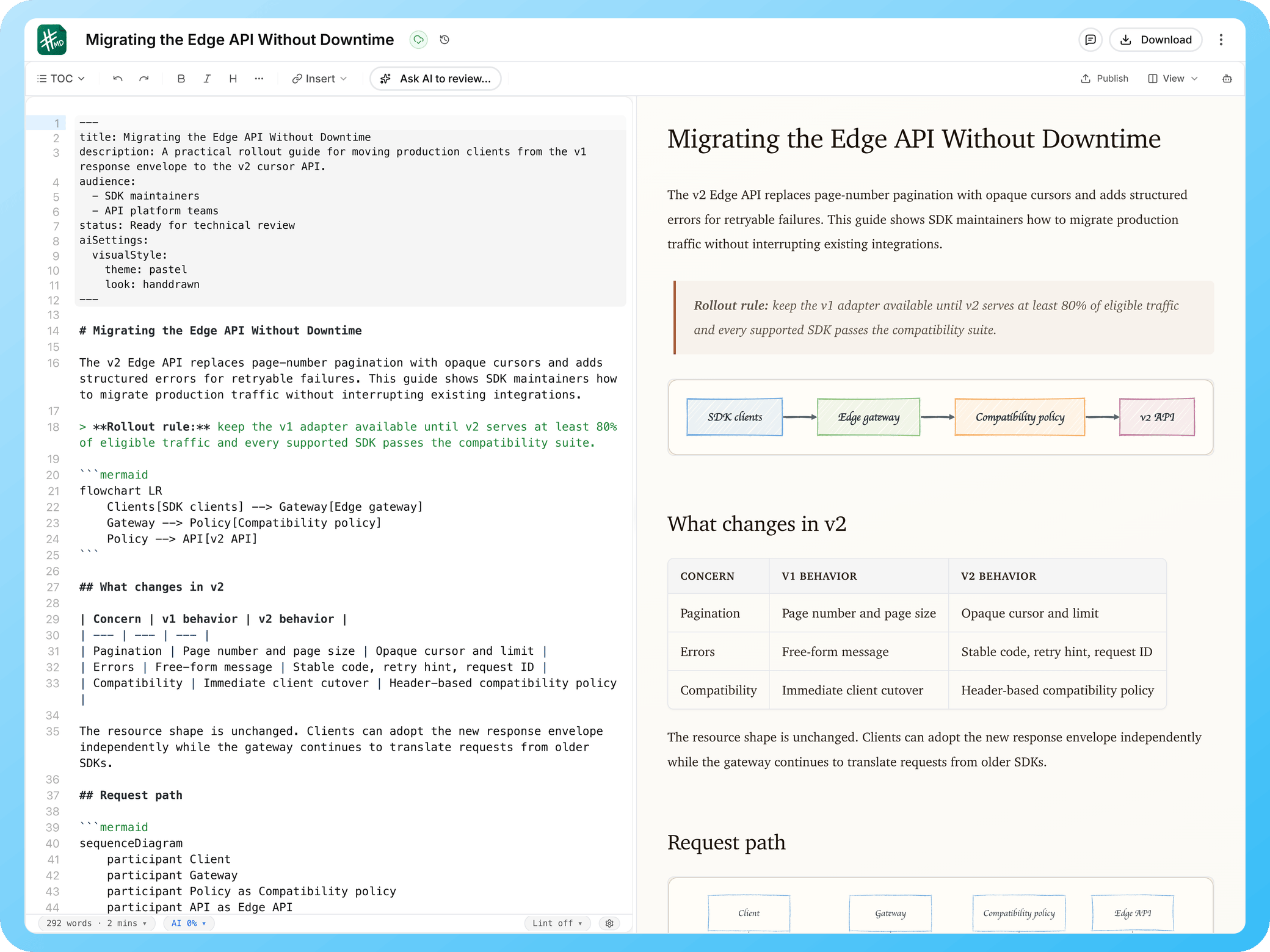
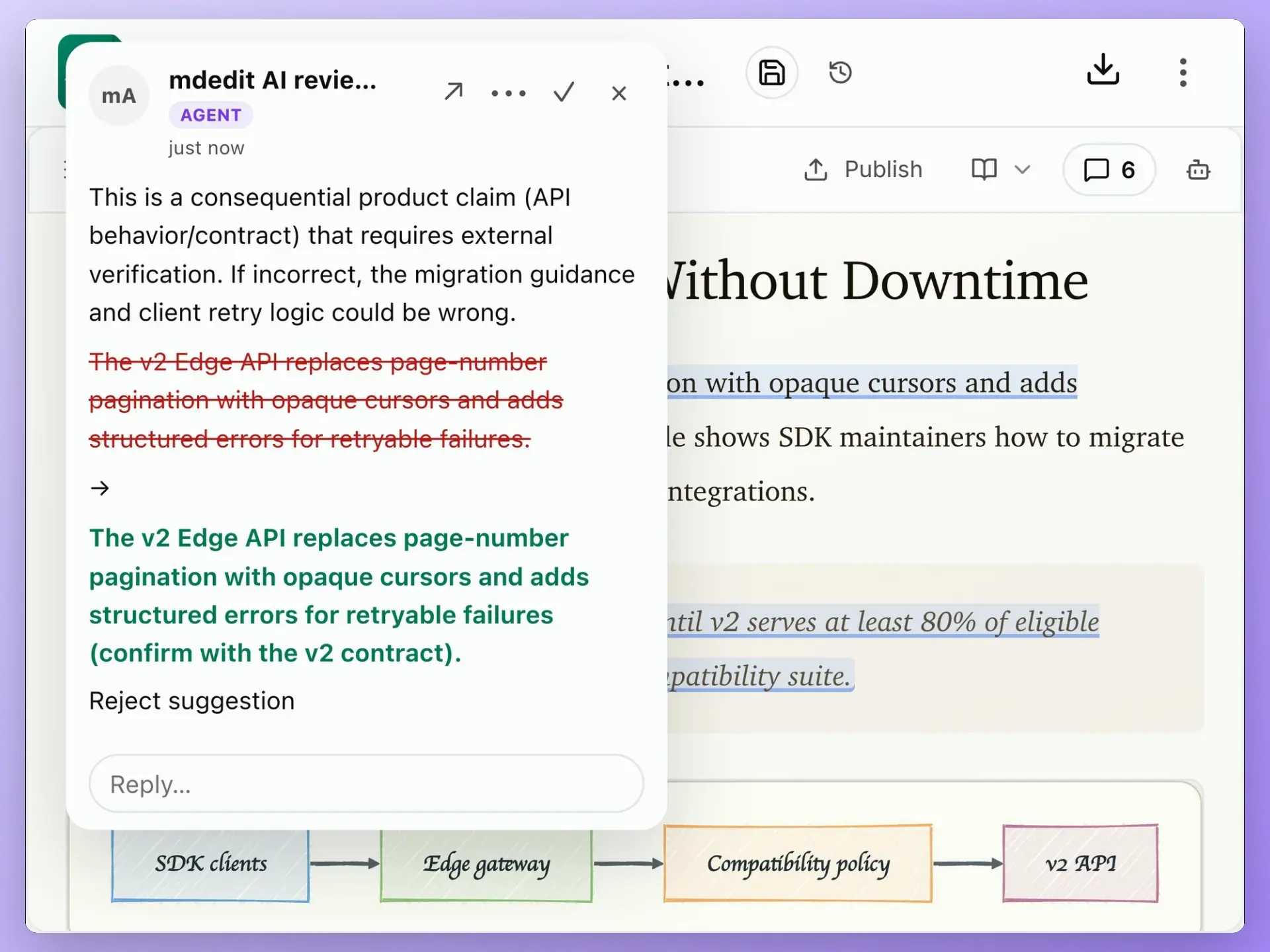
AI that proposes. You decide.
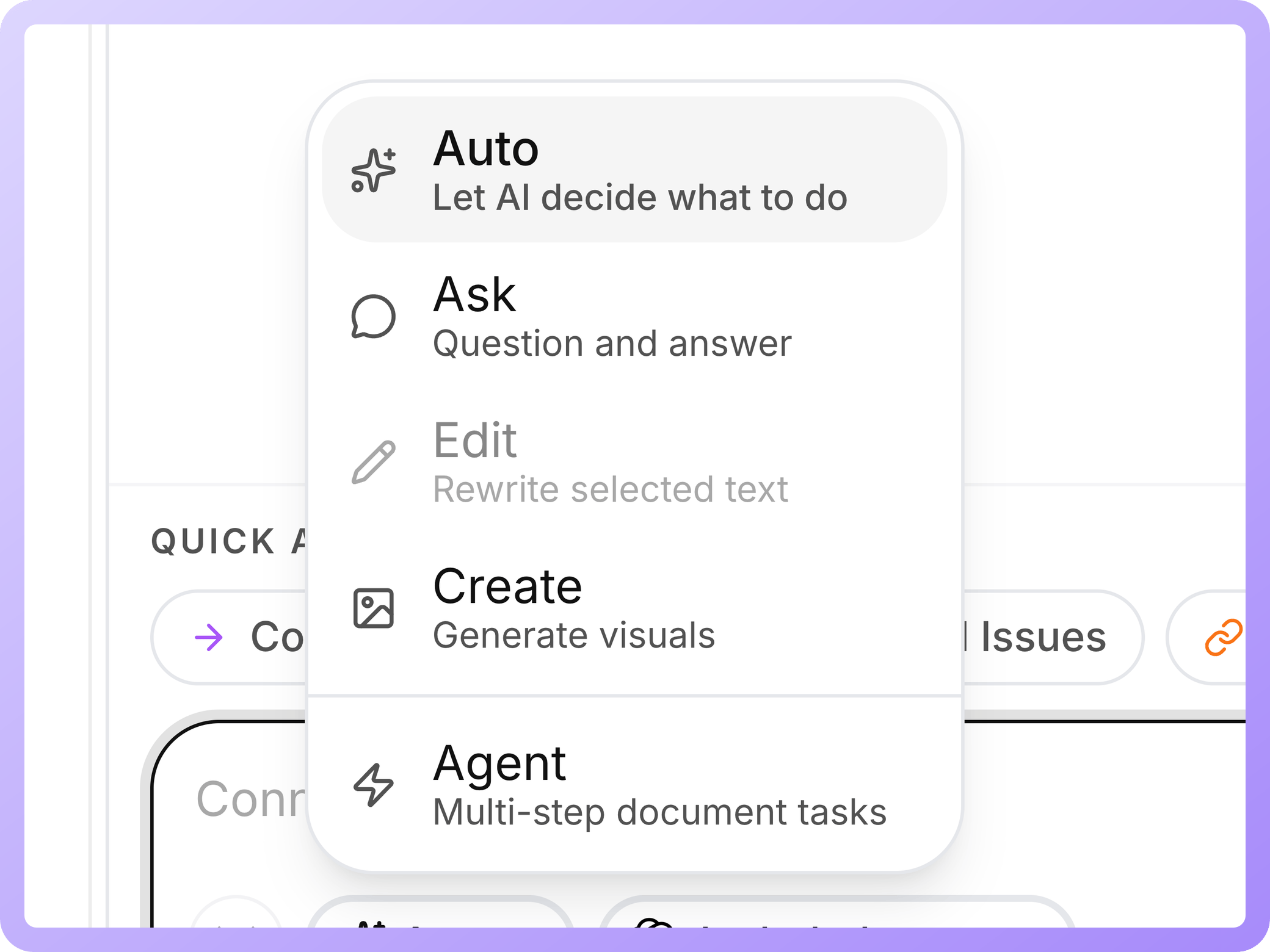
Ask, edit, or review with the document in context. Proposed changes remain visible and ordinary comments keep humans in charge.
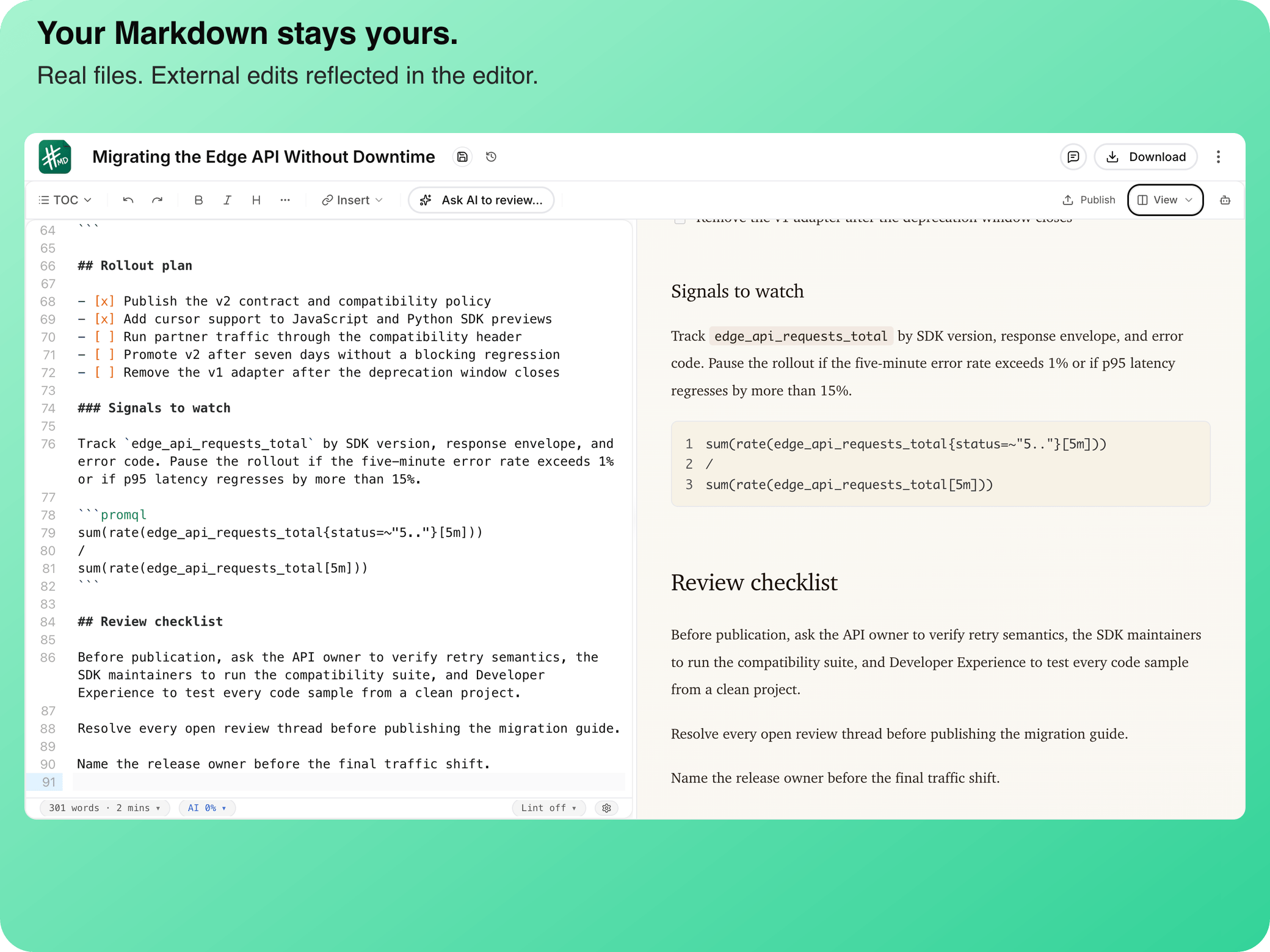
Your draft is available, recoverable, and still yours
Keep writing through a network drop, recover earlier versions, sync across devices, or work directly with local files on desktop.
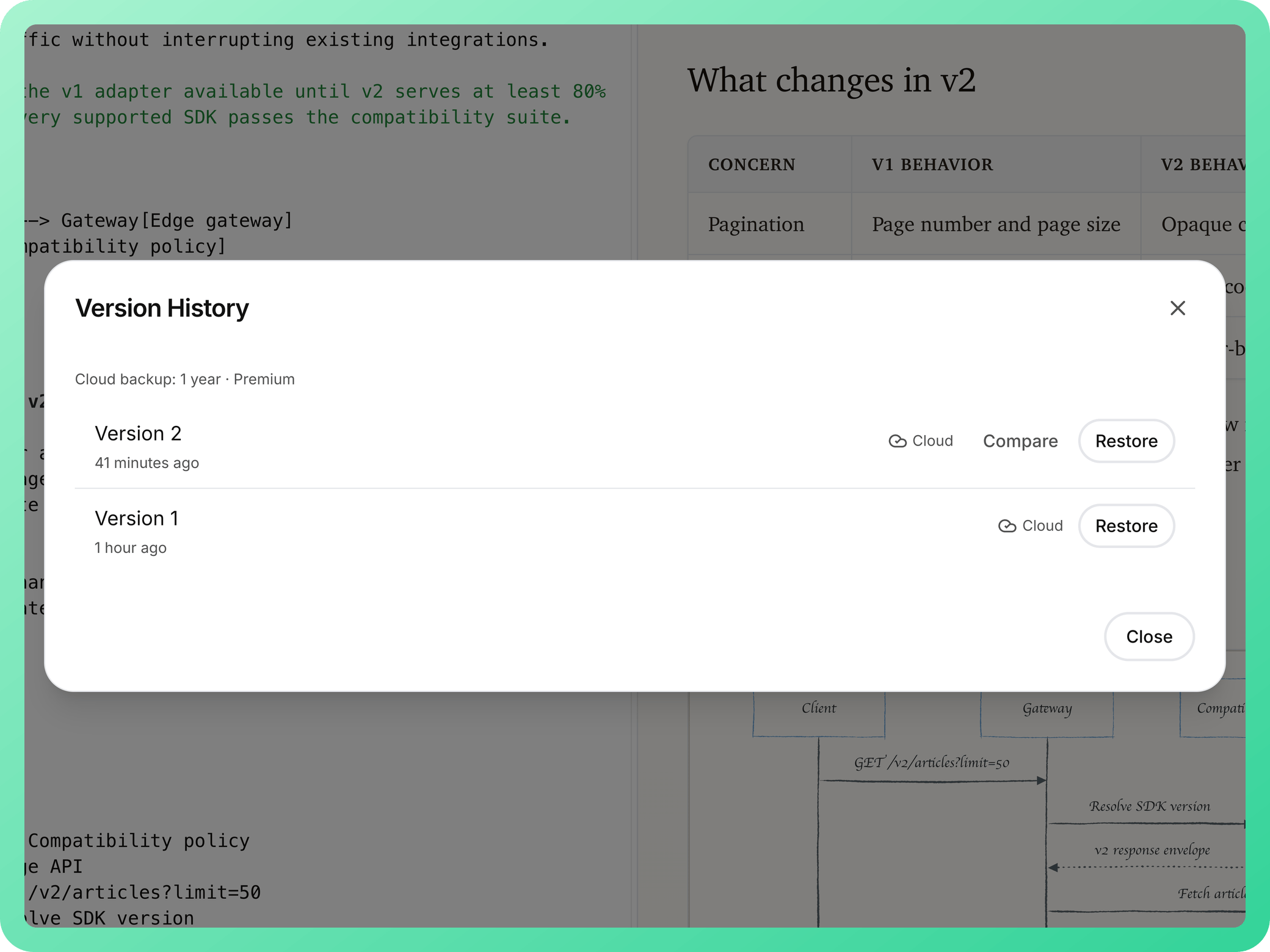
Automatic history
Compare or restore captured versions
Local workspaces
Open Markdown files and folders on desktop
External file changes
Stay aligned with edits made outside mdedit.ai
Offline-first sync
Keep editing and reconnect without losing the draft
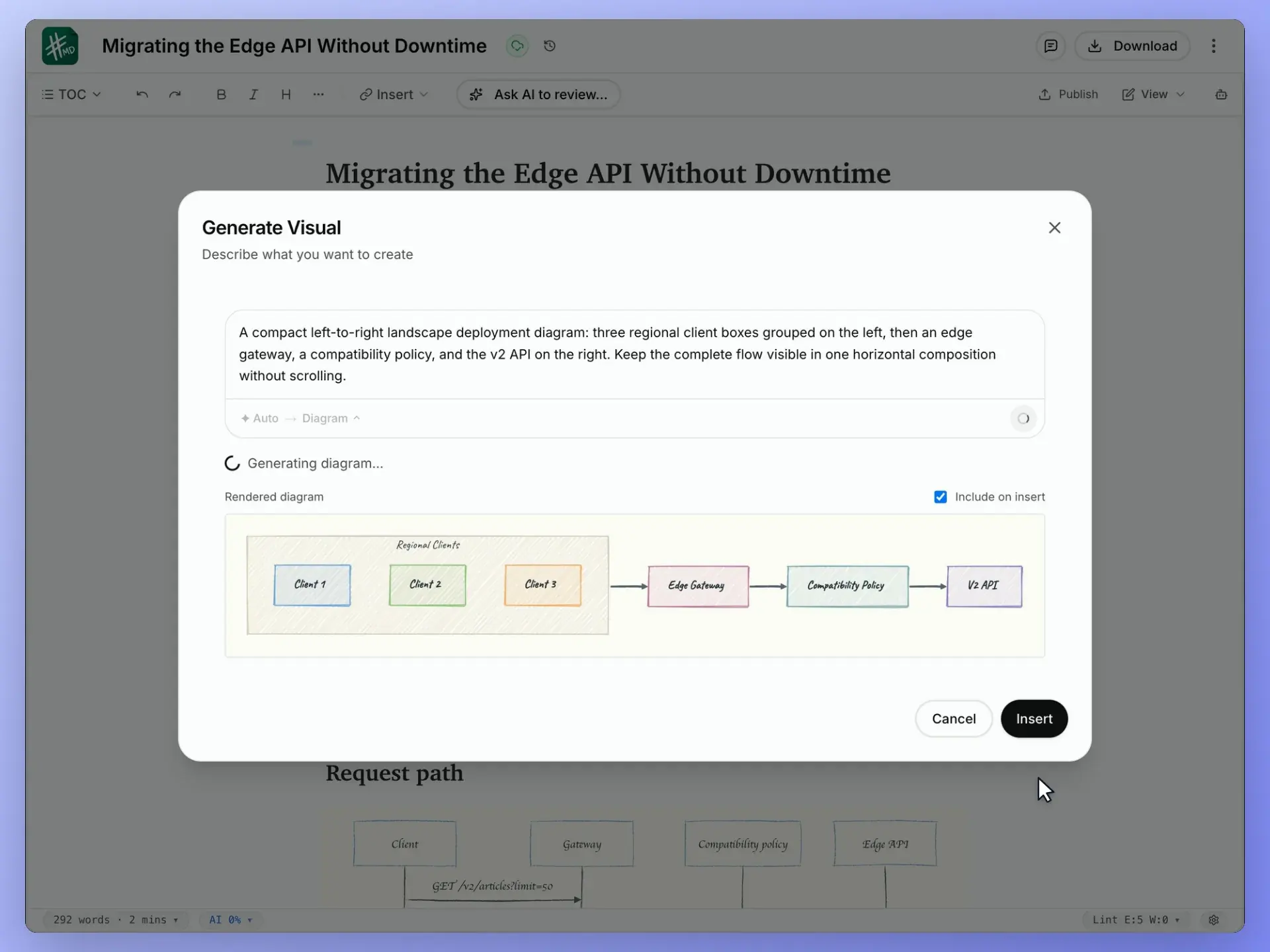
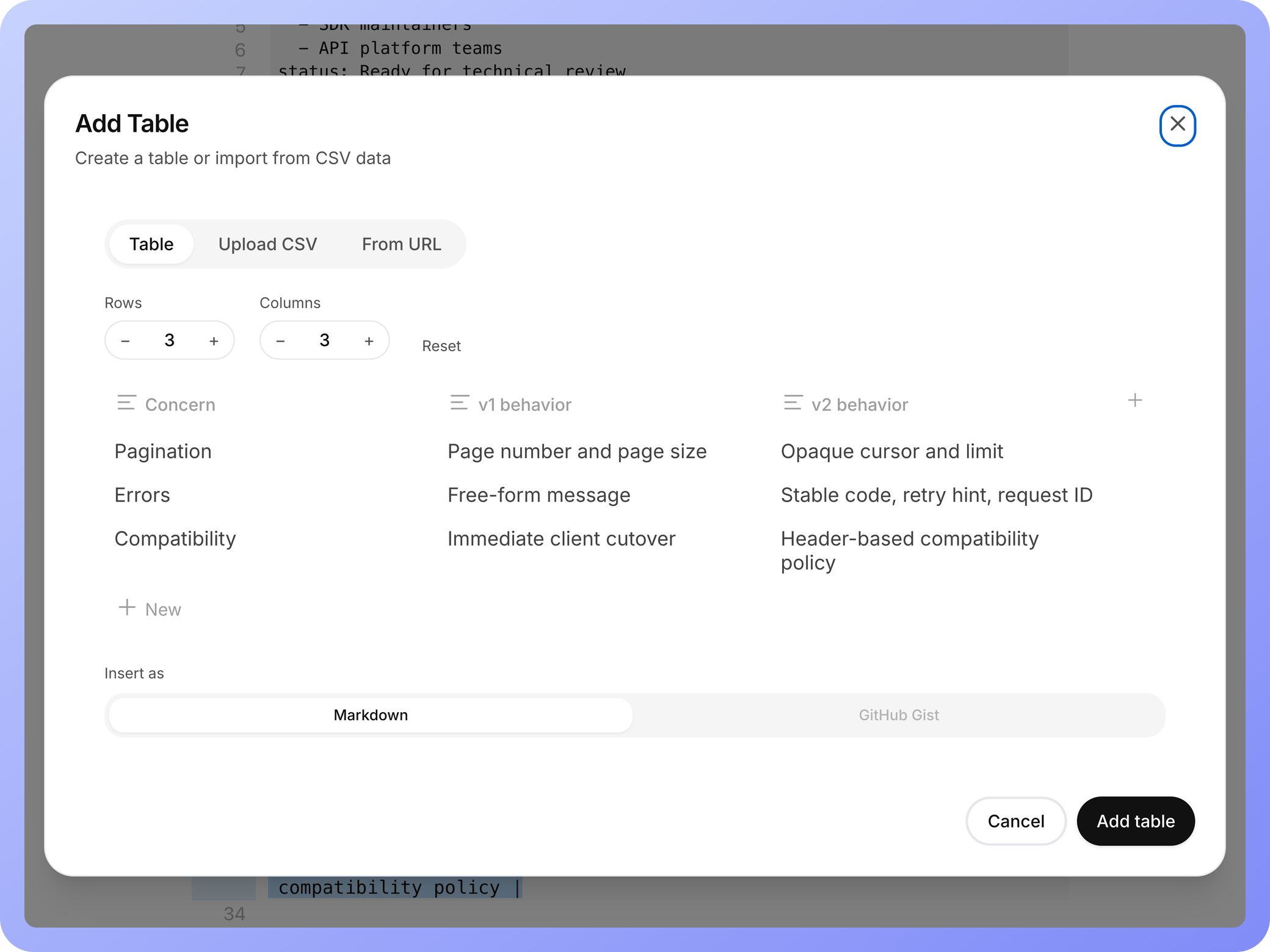
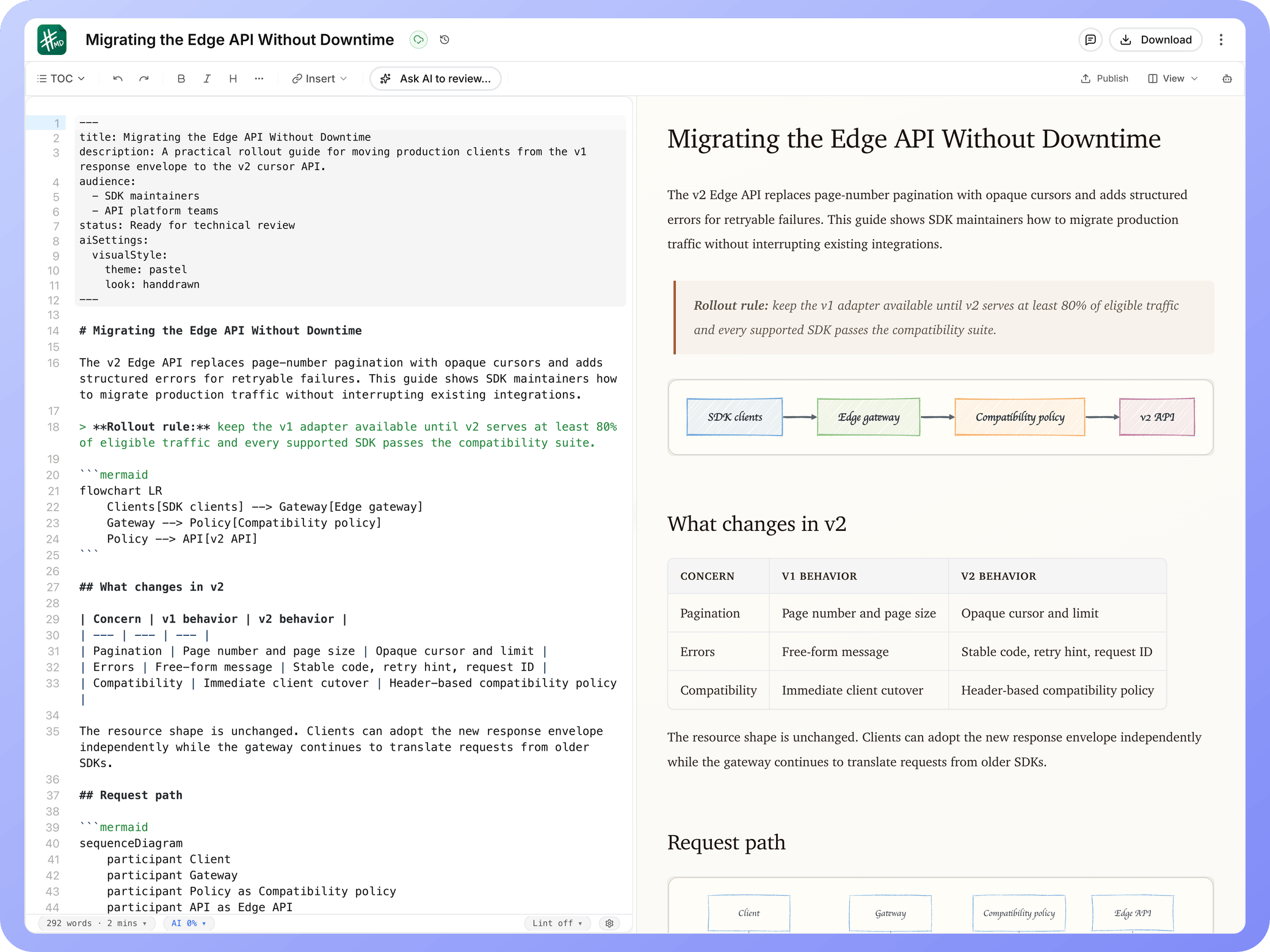
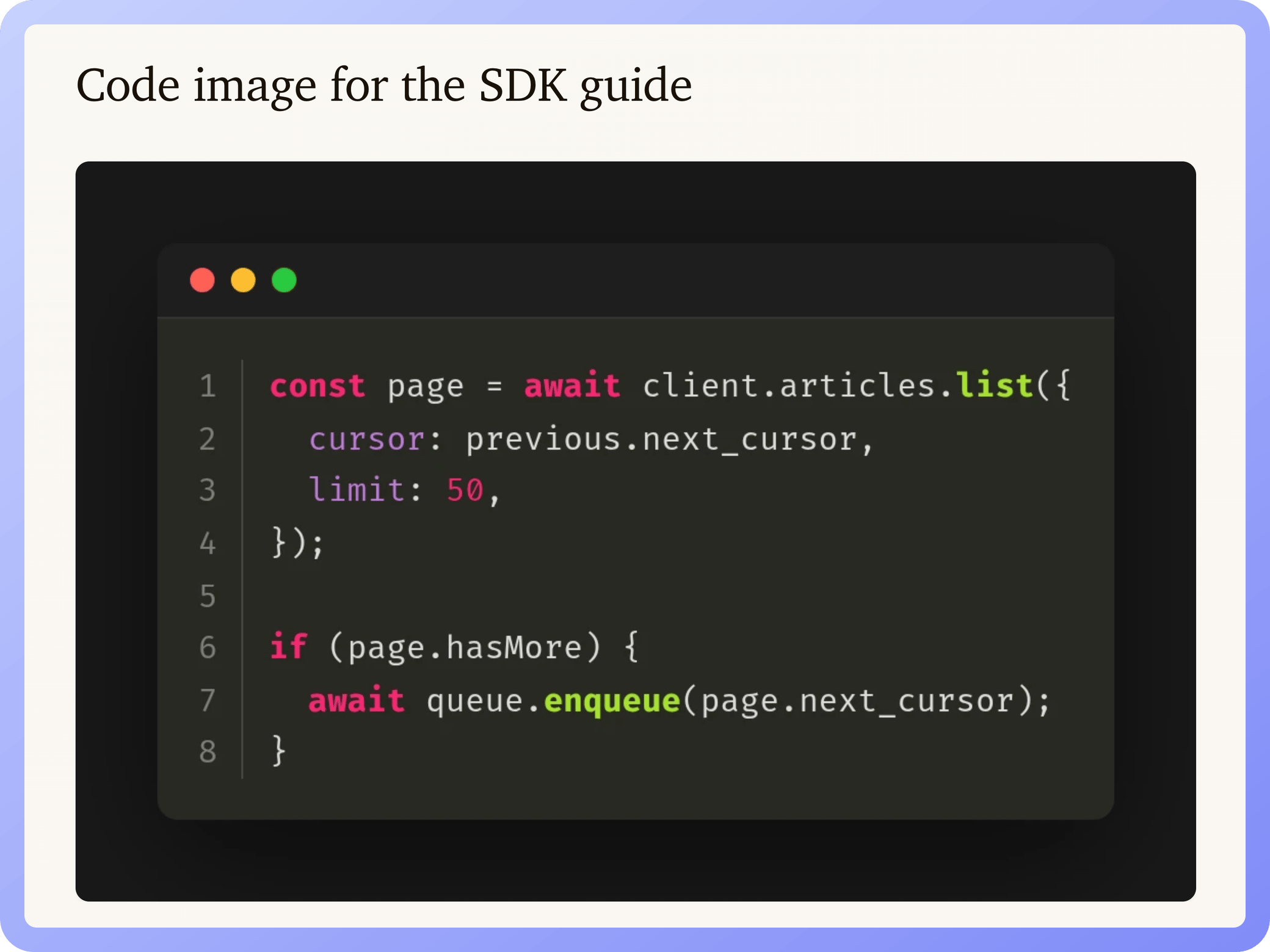
Create technical visuals without leaving the document
Generate photos, diagrams, charts, and animations, or author diagrams-as-code, tables, media, and code images yourself.
Code images
Turn real snippets into presentation-ready visuals
Generate Visual
Create photos, diagrams, charts, and animations
Diagrams as code
Render Mermaid, Graphviz, and Markmap live
Tables and media
Edit tables visually and insert rich media
Review, collaborate, and publish
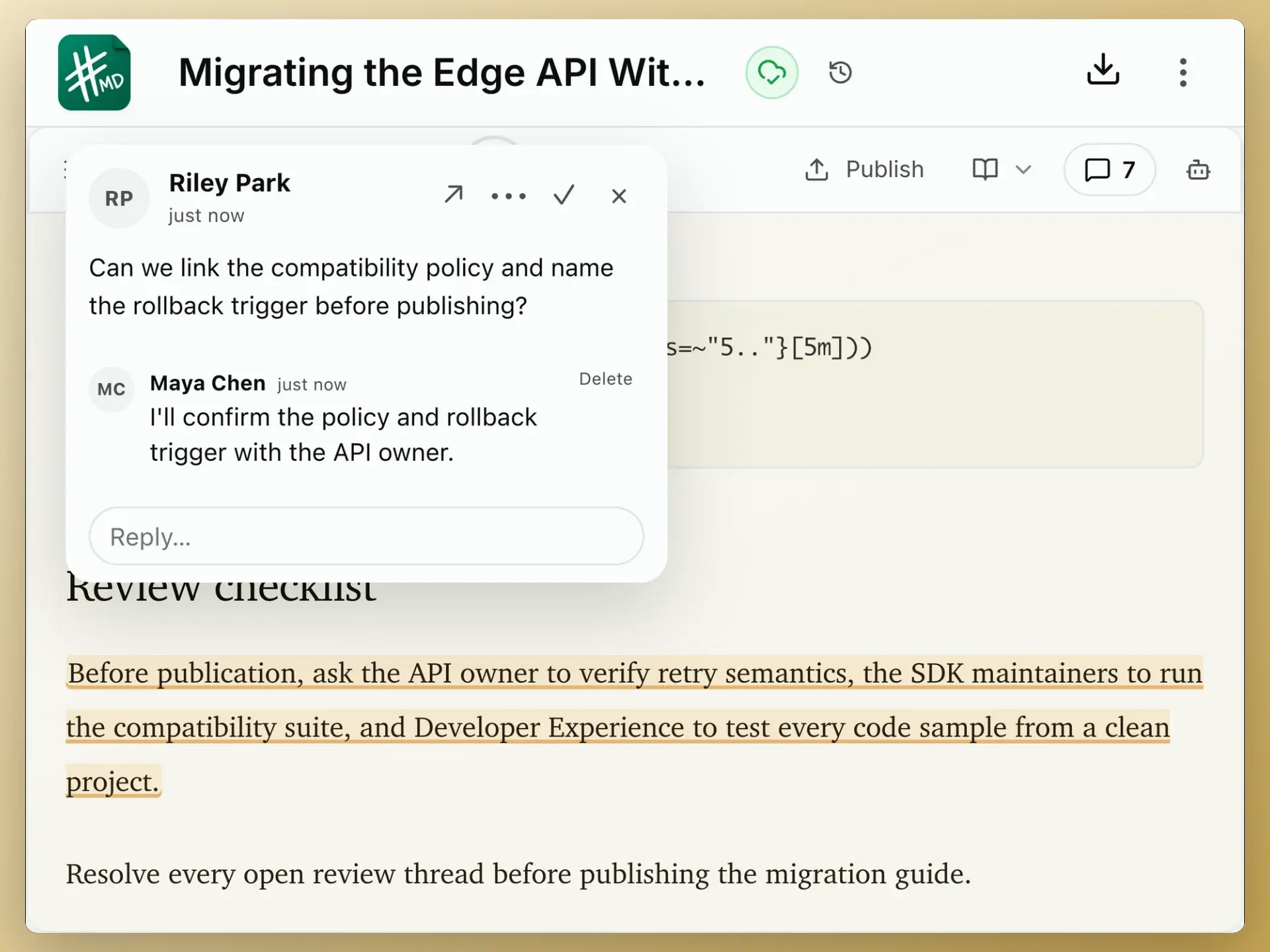
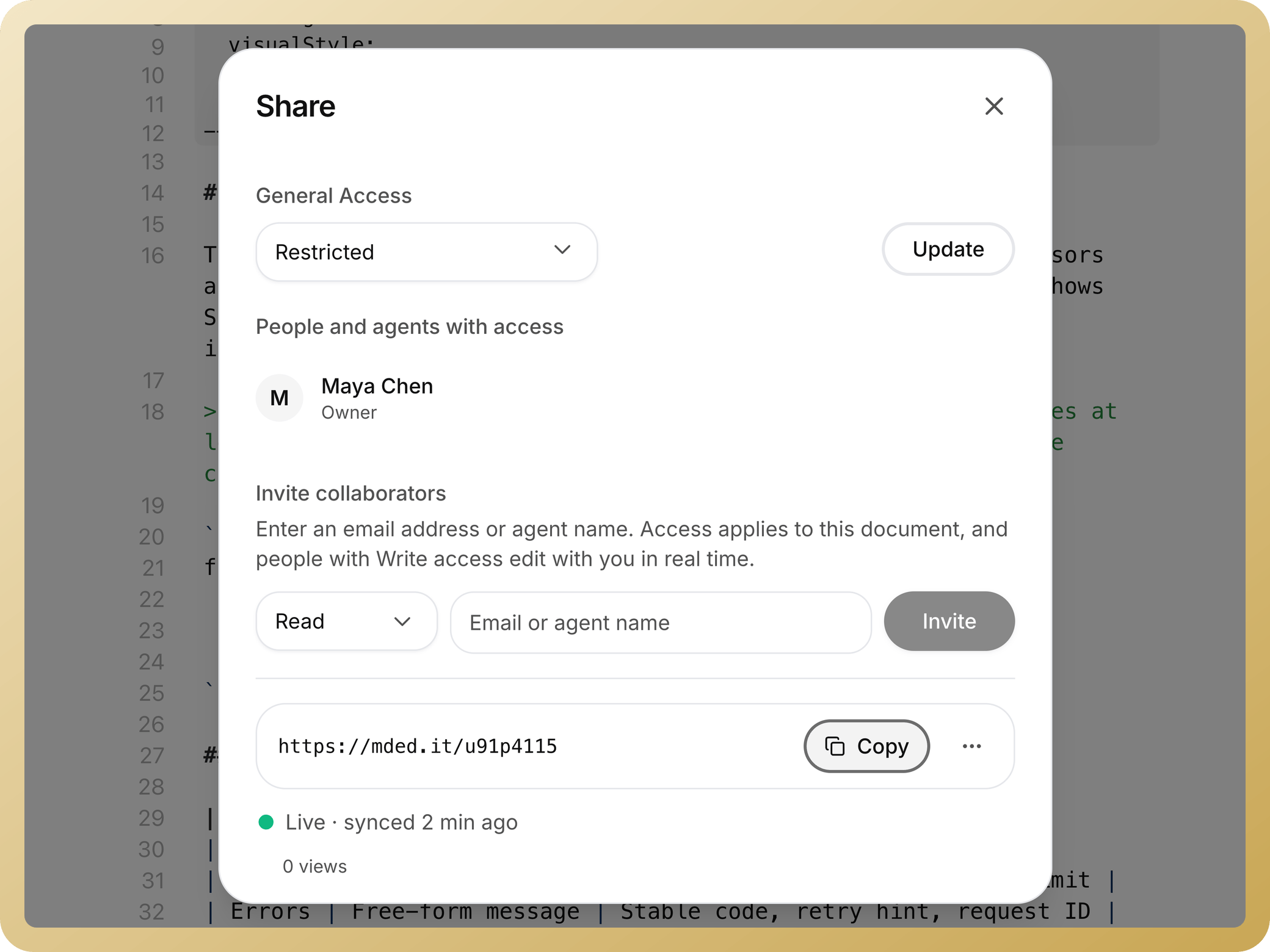
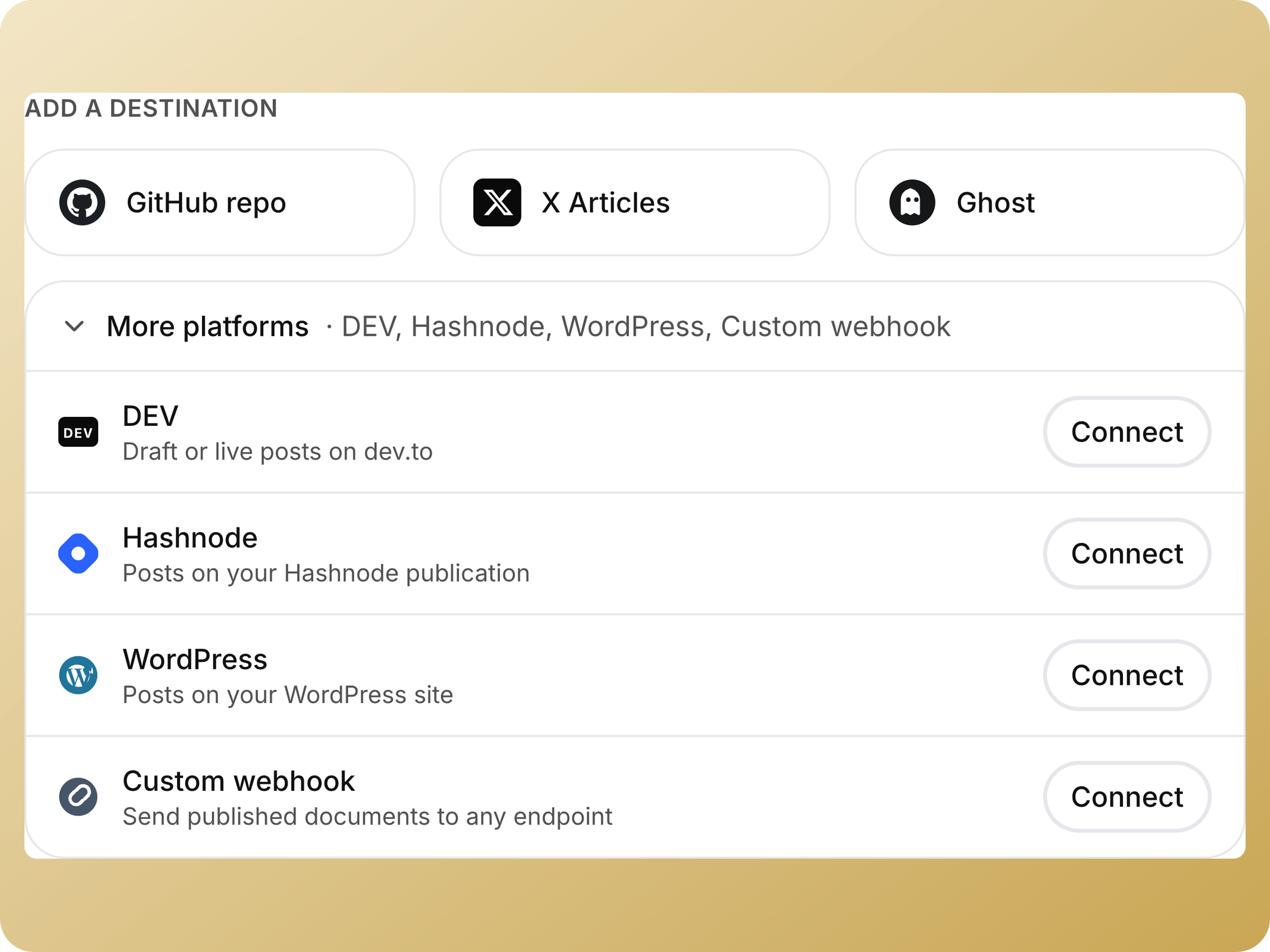
Co-edit with presence, work through comments and suggestions, control access, then publish the same Markdown source to the destination that needs it.
Works everywhere
One workspace on your desk, your phone, and inside your AI agent.
Desktop
Local files, offline editing, local AI.Mobile
Synced, with offline drafts. iOS soon.AI agents
Save and find docs from any MCP agent. How it worksCLI
npm install -g mdedit-cliExtensions
Markdown preview in Chrome, Firefox, Edge, VS Code, and Cursor.



Why I built mdedit.ai
I have shipped hundreds of technical articles and kept running into the same fragmented workflow: draft in one editor, ask AI somewhere else, collect review notes in another tool, then rebuild the document for publishing.
mdedit.ai is the focused workspace I wanted. Markdown stays the source of truth while drafting, review, AI assistance, technical visuals, and publishing happen around it.


Built around technical-content workflows
Start free. Expand when review becomes a team workflow.
Free
Core markdown editing with local-first drafts.
forever
Core markdown editor
20 AI trial credits
25 cloud-synced documents (lifetime)
3 version snapshots per document
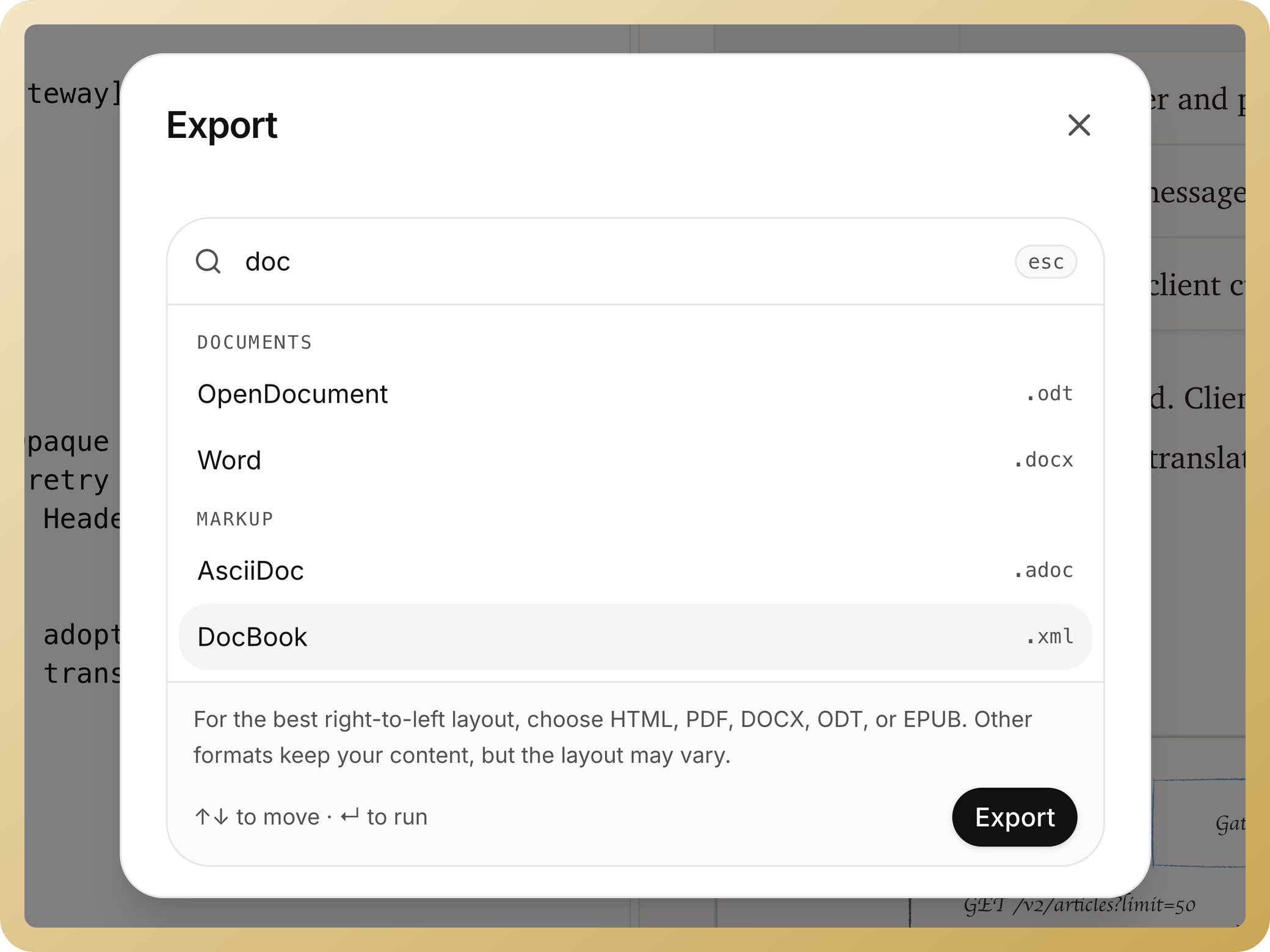
Export to Markdown, HTML, Word, and PDF
10 document conversions per day in free tools
Standard
Collaboration, review workflows, unlimited sync, and your own AI key.
per month
Unlimited cloud-synced documents
AI with your own key
Real-time collaboration and shared editing
Inline comments, suggestions, and highlights
50 version snapshots per document
3 team workspaces
Standard support
What is mdedit.ai?
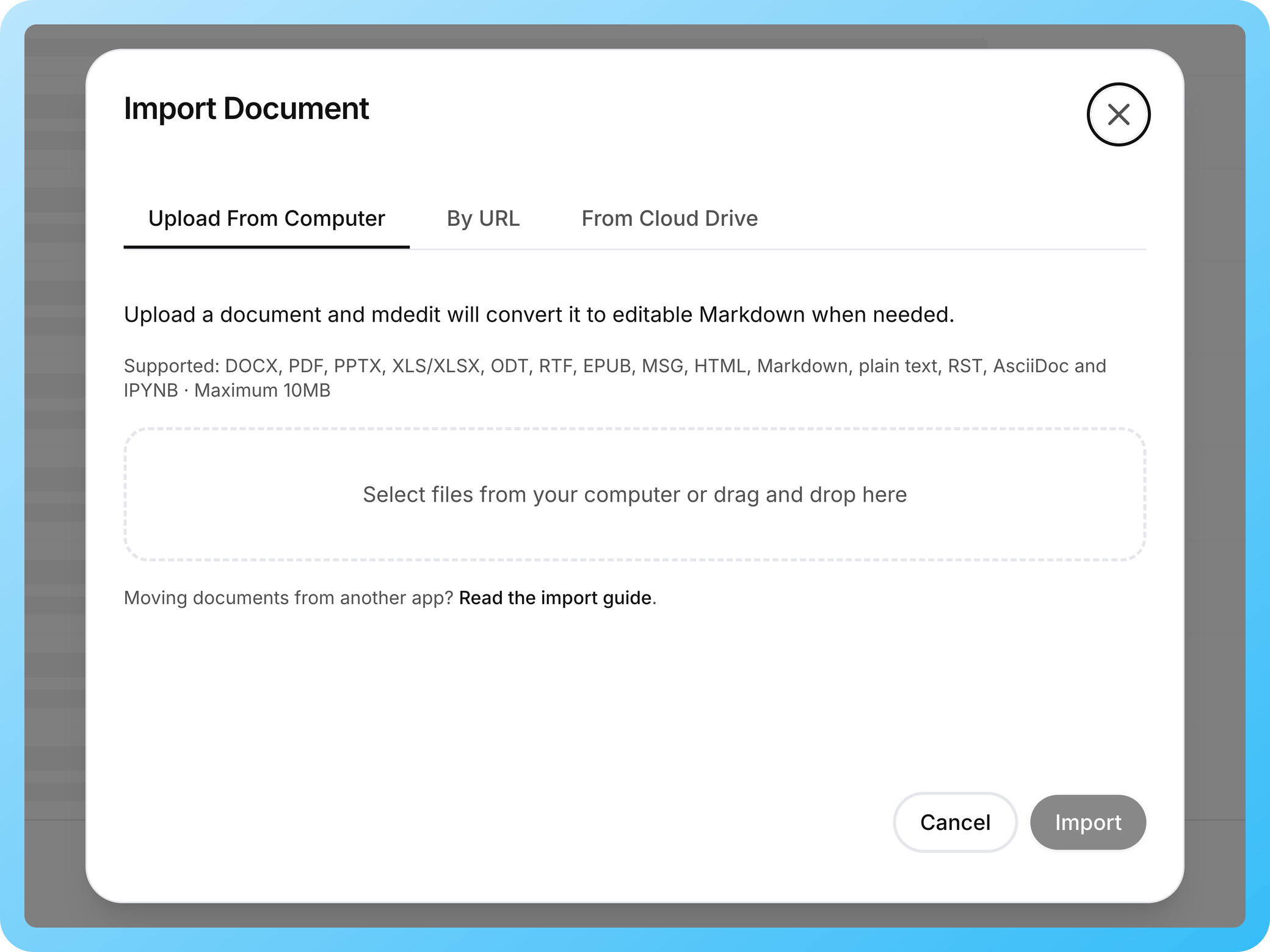
mdedit.ai is an AI-powered, offline-first Markdown editor built for people who write technical content: documentation, READMEs, long-form guides, and internal notes. It combines long-document editing with reviewable AI, real-time collaboration, comments and suggestions, technical visuals, version history, local desktop workspaces, and direct publishing.
Start in the no-sign-up web editor, or use the desktop app when local Markdown files, offline work, or local AI matter. Browser, VS Code/Cursor, and CLI tools are available as focused companions to the core workspace.
Evaluating another workflow? Read the comparisons with Typora, StackEdit, Obsidian, or Notion, or see all editor comparisons.
Common questions, answered
Yes. The free plan includes core editing features so you can start writing immediately.
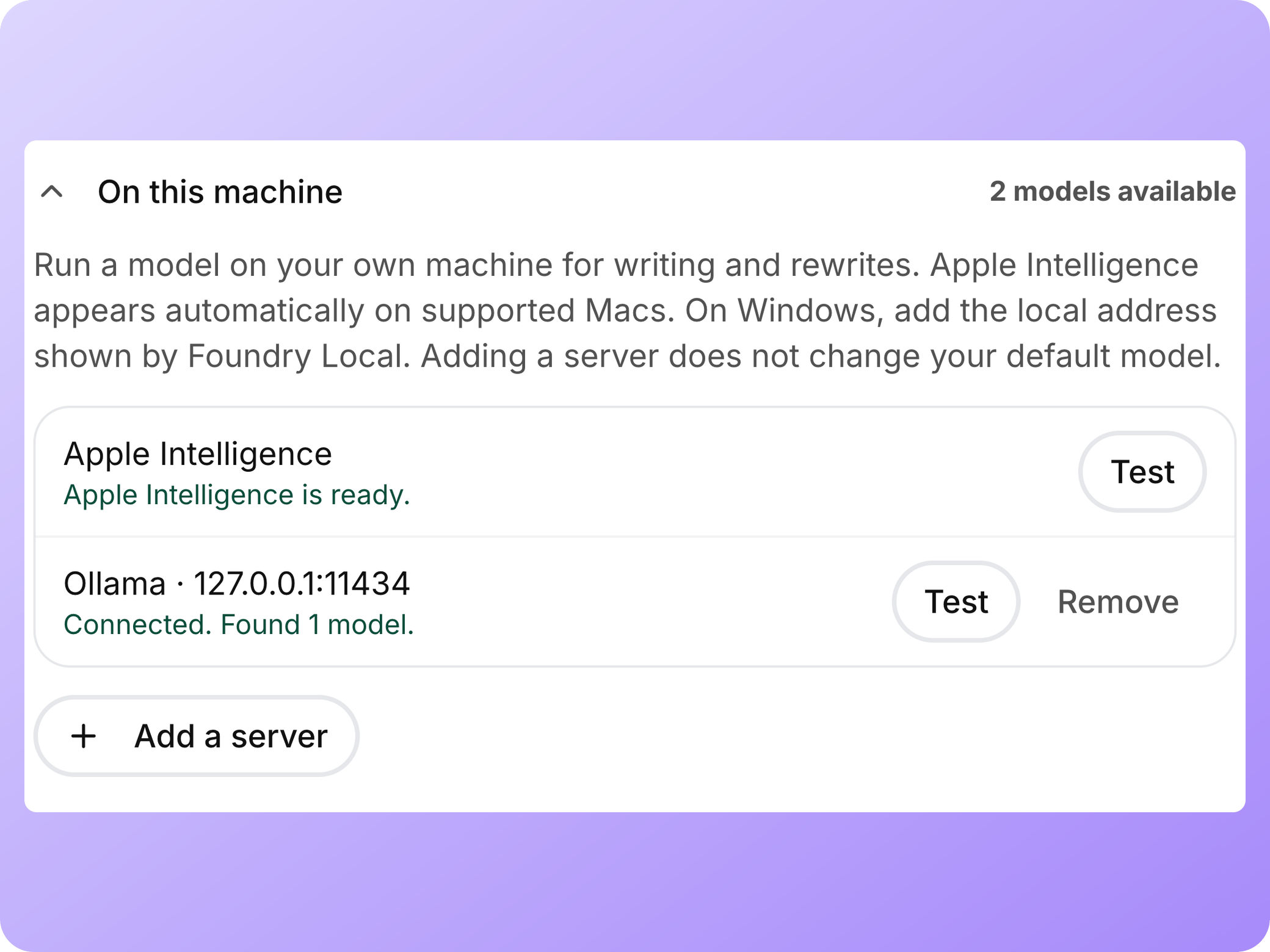
Included credits, your own key, or built-in AI all work with OpenAI, Anthropic, Grok, or Gemini models. The desktop app also runs fully local models via Ollama or any OpenAI-compatible server. Nothing leaves your machine.
Yes. Invite collaborators with read or write access, co-edit in real time, and use comments, suggestions, highlights, assignments, replies, and resolution to move a draft through review.
Import Markdown, HTML, and Jupyter Notebook files to keep existing work. Export to DocX, ODT, EPUB, PDF, or styled HTML when you need a file back out.
Yes. The web editor saves drafts locally and syncs when you reconnect. The desktop app can also open local Markdown workspaces and respond to external file changes.
Yes. Create folders and subfolders and move documents (including in bulk). Folders work offline and sync when you're back online.
GitHub, WordPress, Ghost, DEV, Hashnode, X Articles, Gists, S3, or any webhook. You can also export to PDF, DocX, EPUB, and other portable formats.
Your drafts stay local-first. AI requests are only sent when you use AI, either through included/built-in AI or your own provider key.
Ready to write with confidence?
Free to start. Your files stay Markdown.
Join 10300+ writers publishing with mdedit.ai.